Black Friday in 20 days: will your customers be able to pay? 25% off the first year and free setup, until 30 NovemberSee the offer →

Web agencies

Monitor client sites without burning your nights

A plain HTTP check never clicks Pay. Pathly does — as often as you set it, with a screenshot. You know before the client calls.

Pro, the plan for agencies: €58.65 excl. VAT per month for 12 months instead of €69, for a subscription started before 30 November.

Example: 20 shops, one cart Flow per shop, replayed every 24 h. That is 600 runs a month. Pro includes 800, and Ping checks don’t use any. Estimate what your agency needs →

  • cabinet-durand.exampleBooking
  • boutique-demo.exampleCart → payment
  • hotel-du-port.exampleQuote form broken
  • atelier-bois.exampleClient area
Four demo clients' sites, Ping and Flow

Black Friday

On Friday 27 November, will your customers be able to pay?

Pathly checks your shops’ buying journey all the way to payment, as often as you set it. Black Friday offer: 25% off the first year (or 15% off monthly for 12 months) and free setup.

Until 30 November at 23:59 (Paris time). After 12 months, the regular price, with an email reminder 30 days before.

Secure my Black Friday

Free Black Friday check-up

Have 5 of your clients’ shops tested before Friday 27 November

Give us up to 5 shops. We check their checkout journey, from the cart to the payment page, without placing an order. The result arrives by email within 2 working days. No account, no card.

Shop addresses (1 to 5)

Nothing is stored in our database. Your request is emailed to the Pathly team, who keep it for at most 12 months after the last exchange. You only receive the check-up result. To cancel the request and have your data erased, reply to the confirmation email. Privacy policy.

Check it yourself

Black Friday

Before their Black Friday, monitor your biggest client’s shop for free

With the Solo plan, free, no card and no time limit: 5 Ping checks and 1 Flow replayed every 24 h. Lumi helps you set up the cart Flow.
Monitor my client’s shop

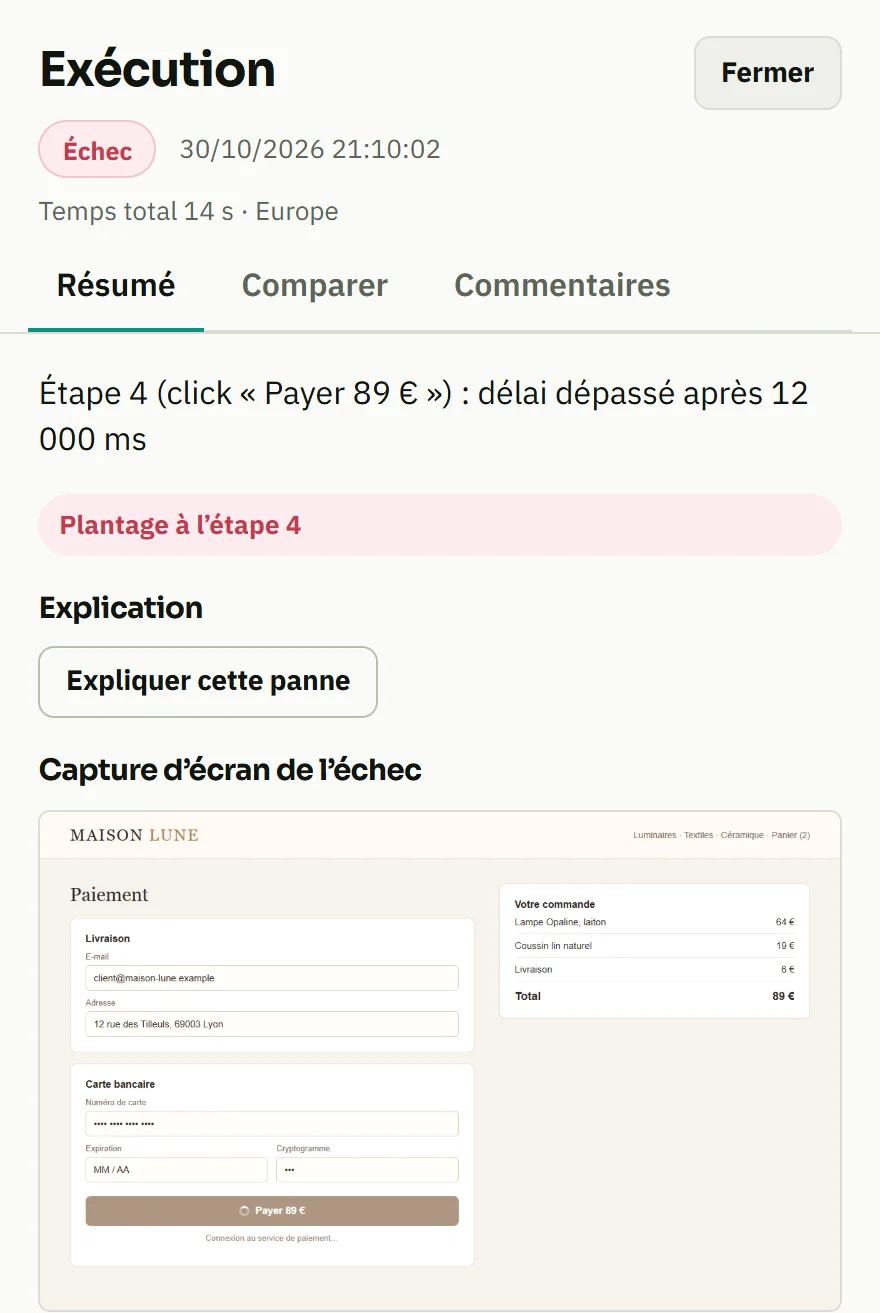
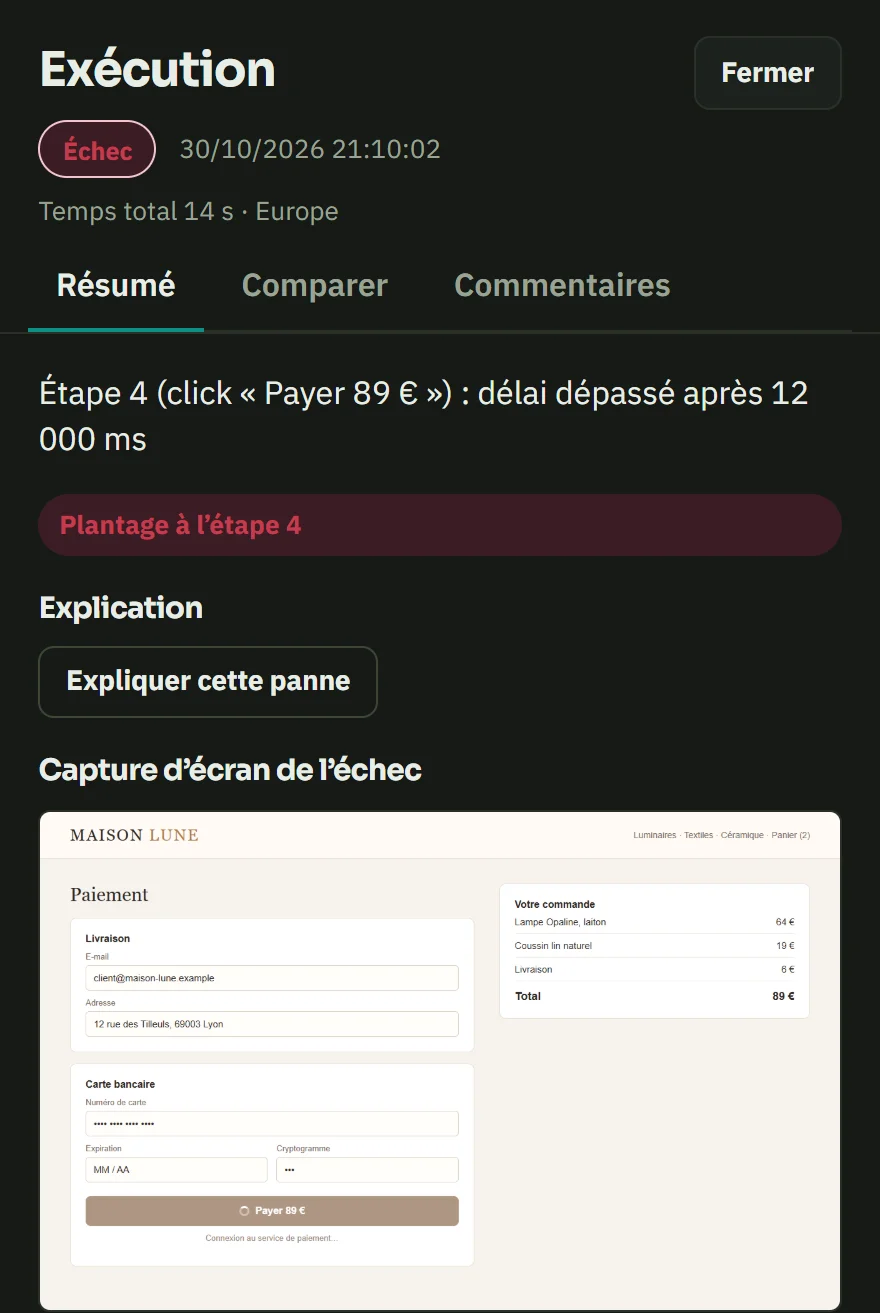
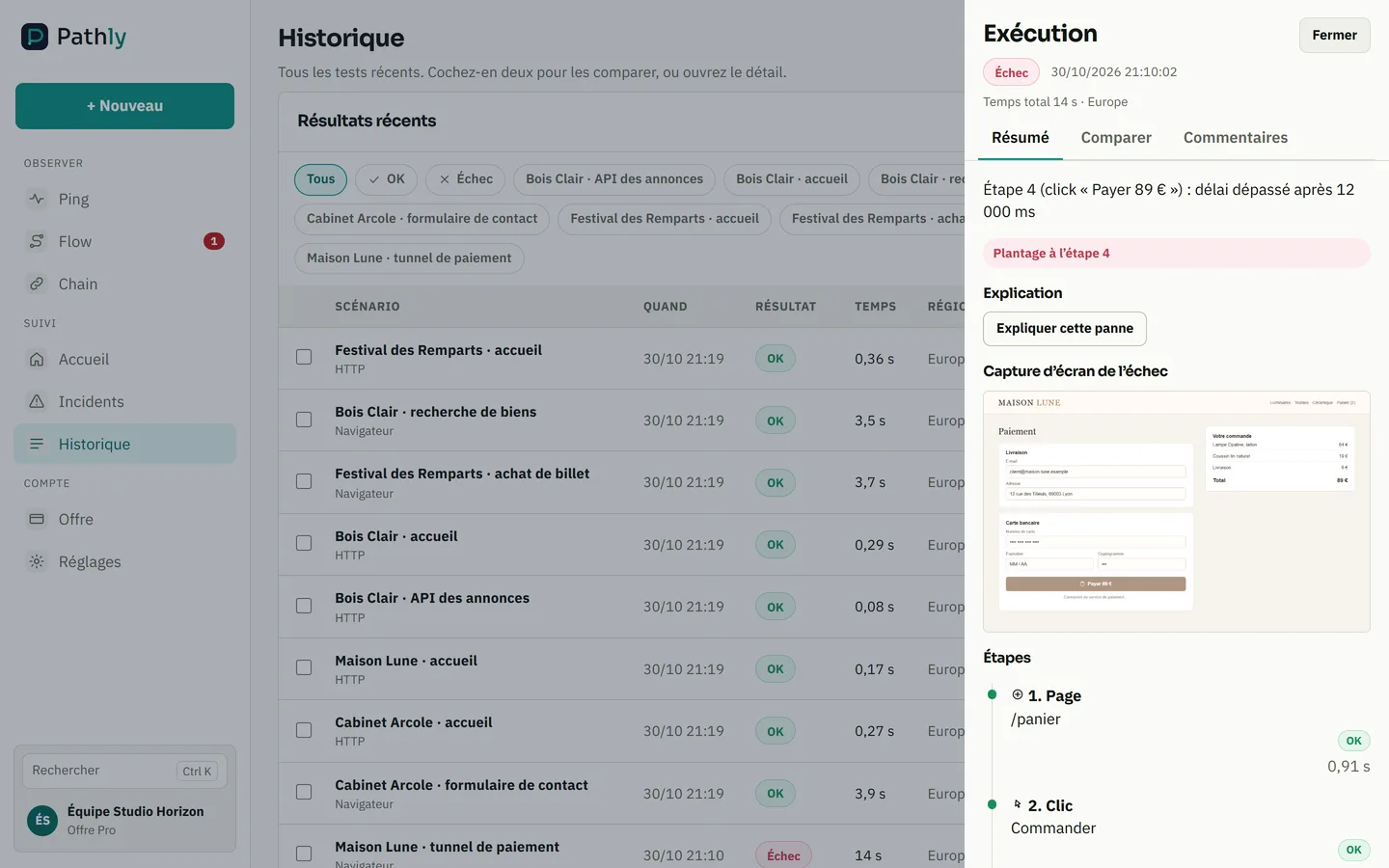
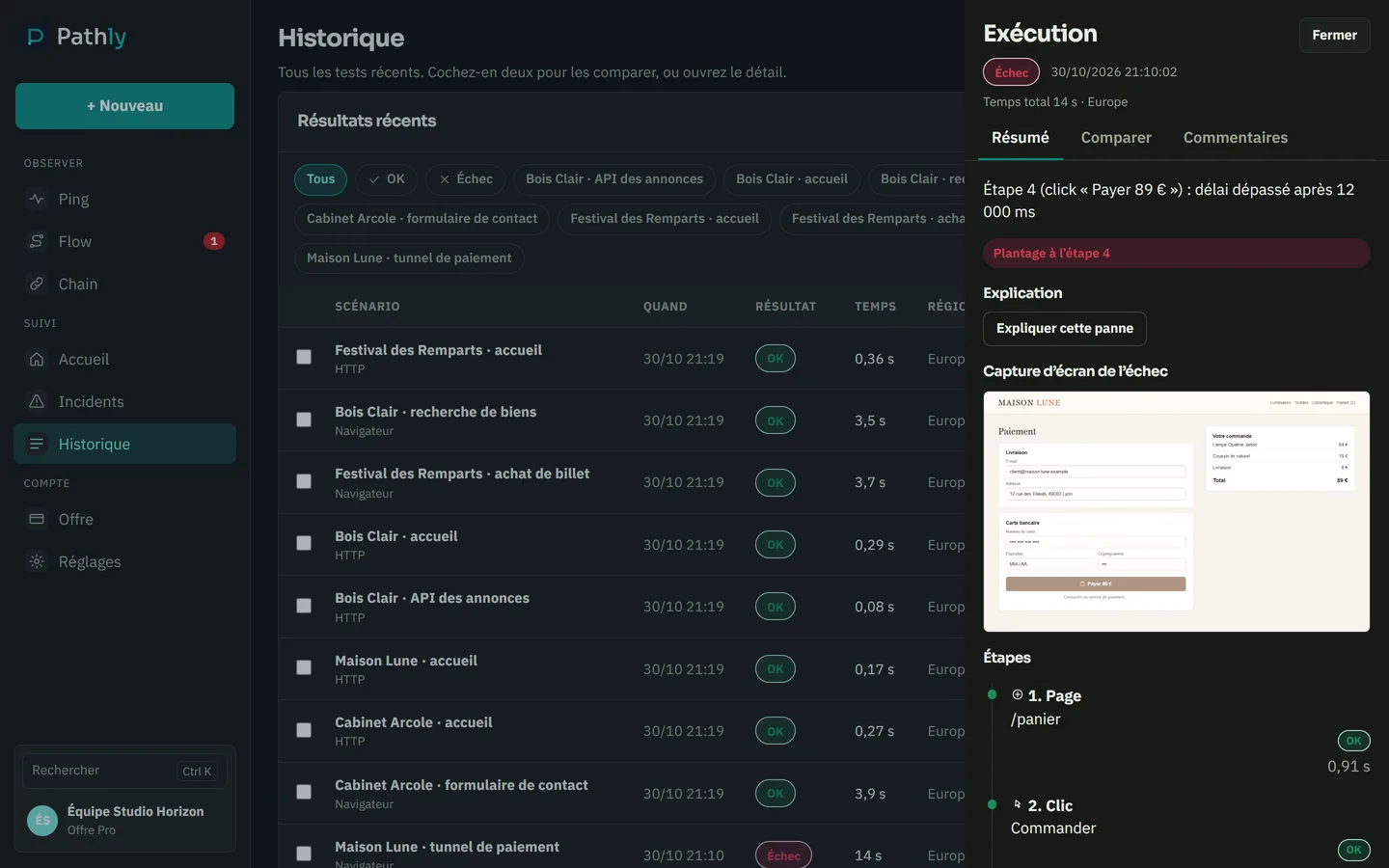
Pathly: a failed Flow, with the screenshot of the broken step and its stepsPathly: a failed Flow, with the screenshot of the broken step and its steps
  1. The broken step, in plain words: the click on “Pay” goes nowhere.
  2. The screenshot, as the visitor saw the page.
  3. The journey’s steps, green up to the one that breaks.

Screenshot of the Pathly app, with demo data.

The agency trap

You ship 20–50 sites. Each shows green uptime. Yet a contact form, menu link or checkout can break silently — and it's your reputation on the line.

What Pathly changes

Record the critical journey once per site. Pathly replays it from Europe as often as you set it (up to every 5 minutes on Pro and Business). Email alert + screenshot. Monthly PDF report under your brand on the Business plan.

Your on-call junior no longer reads a trace

Pathly's AI re-reads the run's readings and returns a plain-language explanation: what a visitor would see, the signs it found, what changed since the last green run, and the checks to run in order. HTTP codes are translated, selectors explained. Whoever picks up at 11 pm can act without knowing the journey, and the write-up forwards to the client as is. When the facts fall short, the analysis says so and shows low confidence rather than naming a cause.

Where to start

Run a free audit on a site: TLS, broken links, response time — no account. Then record the money journey on Solo (1 journey/day).

Monthly report

Show your clients the work done every month

One PDF report a month, ready to attach to the maintenance invoice. It is built from the checks already in place, with nothing to type.
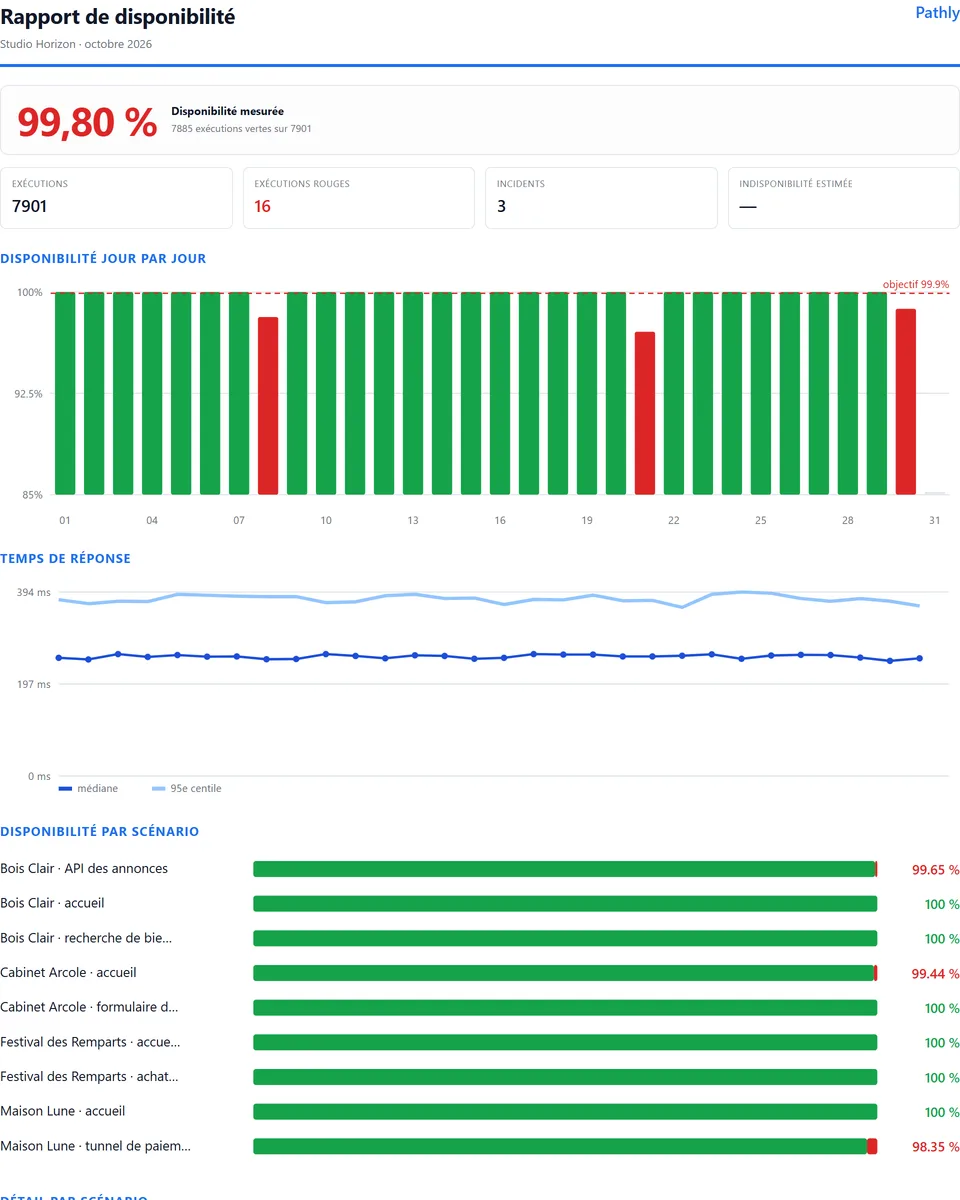
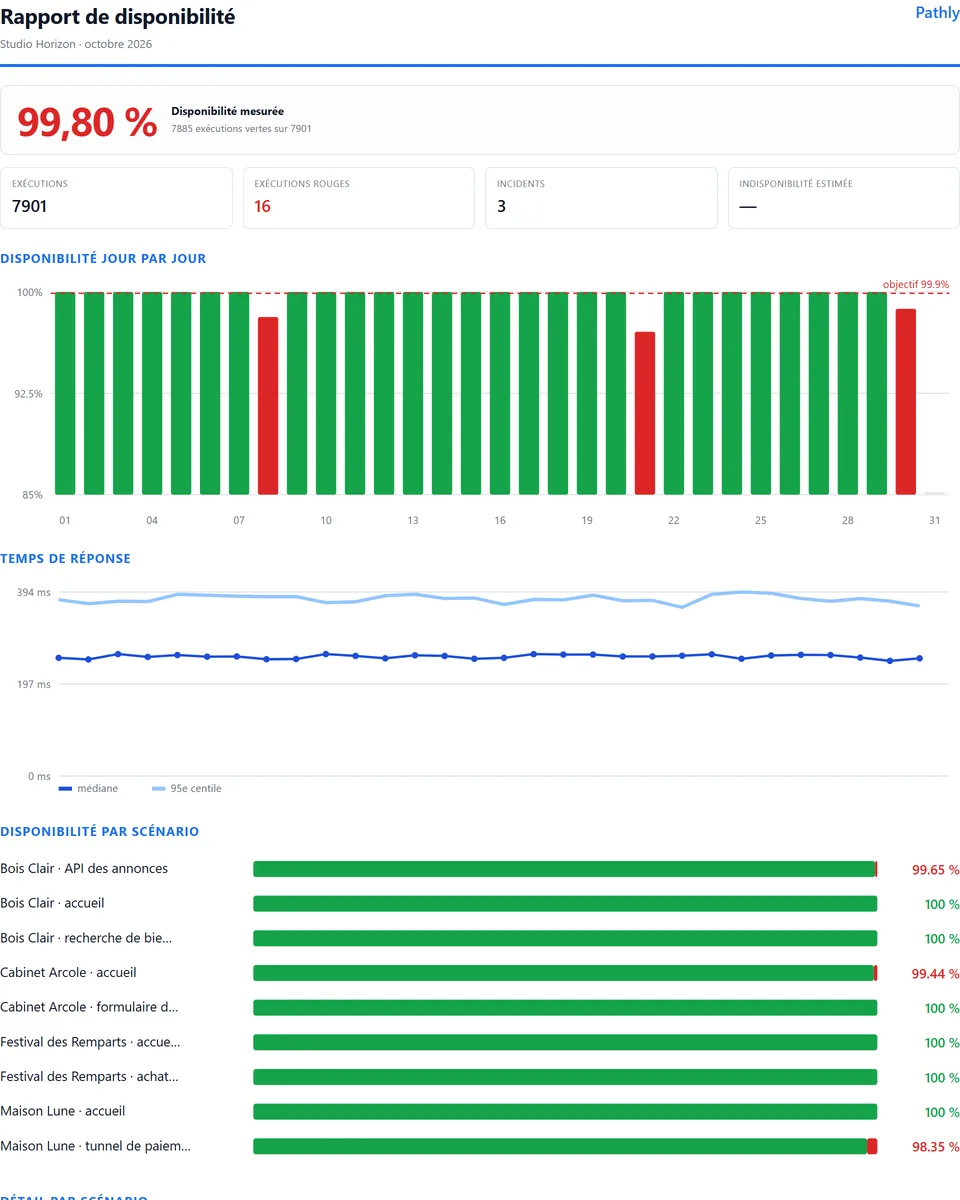
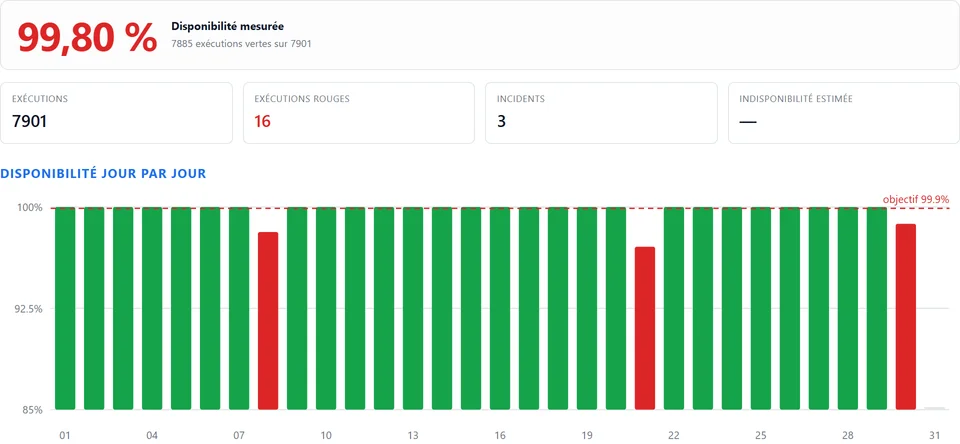
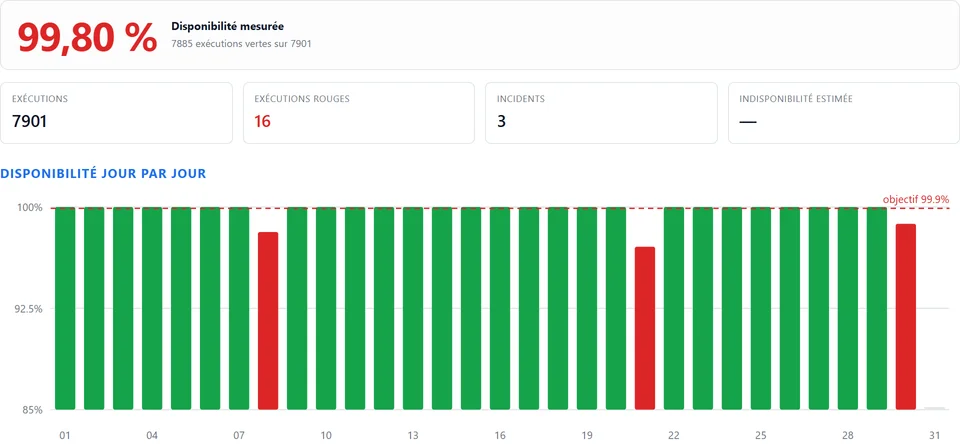
Monthly availability report of a demo agencyMonthly availability report of a demo agency
  1. The measured availability of the month.
  2. Runs, failures and incidents of the month.
  3. Availability day by day, against the target.

Screenshot of the Pathly app, with demo data.

What it contains

  • the measured availability of the month and the number of runs
  • availability day by day, against the target
  • response times and the availability of each site
  • the month’s incidents and how they were measured

Included in every plan, with Pathly branding. On Business, it carries your agency’s brand. Pro remains the plan we recommend for agencies.

See a sample report (PDF)

The demo · 90 seconds

The Ping is green. The Flow is red.

Real Pathly screens, on a demo agency. The site answers, but checkout is broken. Here is what Pathly shows you, and the alert you receive.

Move from UptimeRobot in 1 click

Paste your UptimeRobot account API key. Pathly brings over your HTTP and keyword monitors as Ping, with their name and interval.

  • You see the list before importing.
  • The key is only used for this read. It is not stored.
  • Then add a Flow on the journey that matters: cart, form, login.

Import my UptimeRobot monitors

The report you send your client

Every month, one PDF per client: measured uptime, incidents, response times and how they are calculated. Ready to attach to your maintenance invoice.

  • Your logo and colours on the Business plan.
  • Only that client’s sites appear in it.

See a sample report (PDF)

Sample with fictitious data.

Billing: answers for agencies

Who sells you the subscription?
Pathly is a service of Elerine, established in Spain. Payment is made online with Mollie.
Are prices excluding VAT?
Yes. Prices shown exclude VAT. VAT depends on your country and your status.
My agency has an EU VAT number. What happens?
Enter it in your billing details, on the Plan screen. Pathly checks it with VIES, the European Commission’s service. Once the number is verified, no VAT is added: you self-account for it in your country (reverse charge). This applies to a business established in the EU, outside Spain.
What if Pathly is not right for me?
Cancel within 14 days of your first plan payment. The plan and the add-ons paid during those 14 days are refunded in full, automatically. You go back to Solo and keep your data. Once per organization. Run packs are not covered.

Bill maintenance

Justify your peace-of-mind retainer

Pathly becomes your deliverable: monthly report, failure screenshots, status page — not a hidden cost, a sales argument.

01

Monthly PDF report

“30 days without checkout incidents”: the proof to send with the invoice. Included in every plan, under your brand on Business.

02

Screenshot on every failure

The broken-step screenshot lands in Slack before the client opens the site.

03

A status page for each client

Your client sees uptime history without calling you.

See Pro, the agency plan →

WP Umbrella, ManageWP, MainWP

Keep your maintenance tool. Add the journey.

Your maintenance tool runs updates and backups, and checks that the site responds. Pathly does not replace it. It checks something else: can a visitor get through the cart, the form or the login?

01

What your tool keeps doing

Updates, backups, WordPress security and the maintenance report. The way you work does not change.

02

What Pathly adds

A Flow replays the journey in real Chrome. If a step breaks, you get its screenshot before the client calls you.

03

Nothing to install on the client’s site

Pathly checks the site from the outside, like a visitor. No plugin to add, whatever the CMS.

Try Flow on a client site

Badge

The “Monitored by Pathly” badge on your clients’ sites

One line in the footer shows the client and their visitors that the site is monitored. The badge shows the journey’s state, not a percentage. It is free, on every plan.

Preview: the badge in a client site’s footer (example).
  1. Publish your status page in the settings.
  2. Copy the badge code offered for the client’s site.
  3. Paste it into the site footer.

All about the badge →

Resources for your agency

Your client asks where their data lives?

Before you pay: your questions

Am I tied in?
No. You pay monthly or yearly, with no minimum term. You cancel in one click, from the Plan tab in the app.
Where are my data and my clients’ data?
In the European Union. The app, the API, the runs and the screenshots are hosted on Google Cloud in Belgium (europe-west1). The list of subprocessors is in the DPA.
How many client sites can I monitor?
A site needs at least one Ping. Freelance includes 25, Pro 50 and Business 200. For journeys, Freelance has 1 Flow. Pro and Business have no limit on the number of Flows, within 800 or 2,400 runs per month.
Will my clients see Pathly?
On Business, the monthly report you send carries your logo and colours. On Solo, Freelance and Pro, it carries the Pathly brand.
How long does it take to get started?
Paste a site’s address to create its first Ping. Lumi recognises WooCommerce, Shopify, PrestaShop, Magento, WordPress, Joomla and Drupal and prepares a Flow in under two minutes. Coming from UptimeRobot? Your monitors import in one click.

Check before you pay

Everything can be seen without an account or a card.

Audit a site now

30 seconds, no account. Ideal before a handover call.

Run free audit

See pricing